BPMN Level 2 - Part 1
Small Scope: Events and Tasks
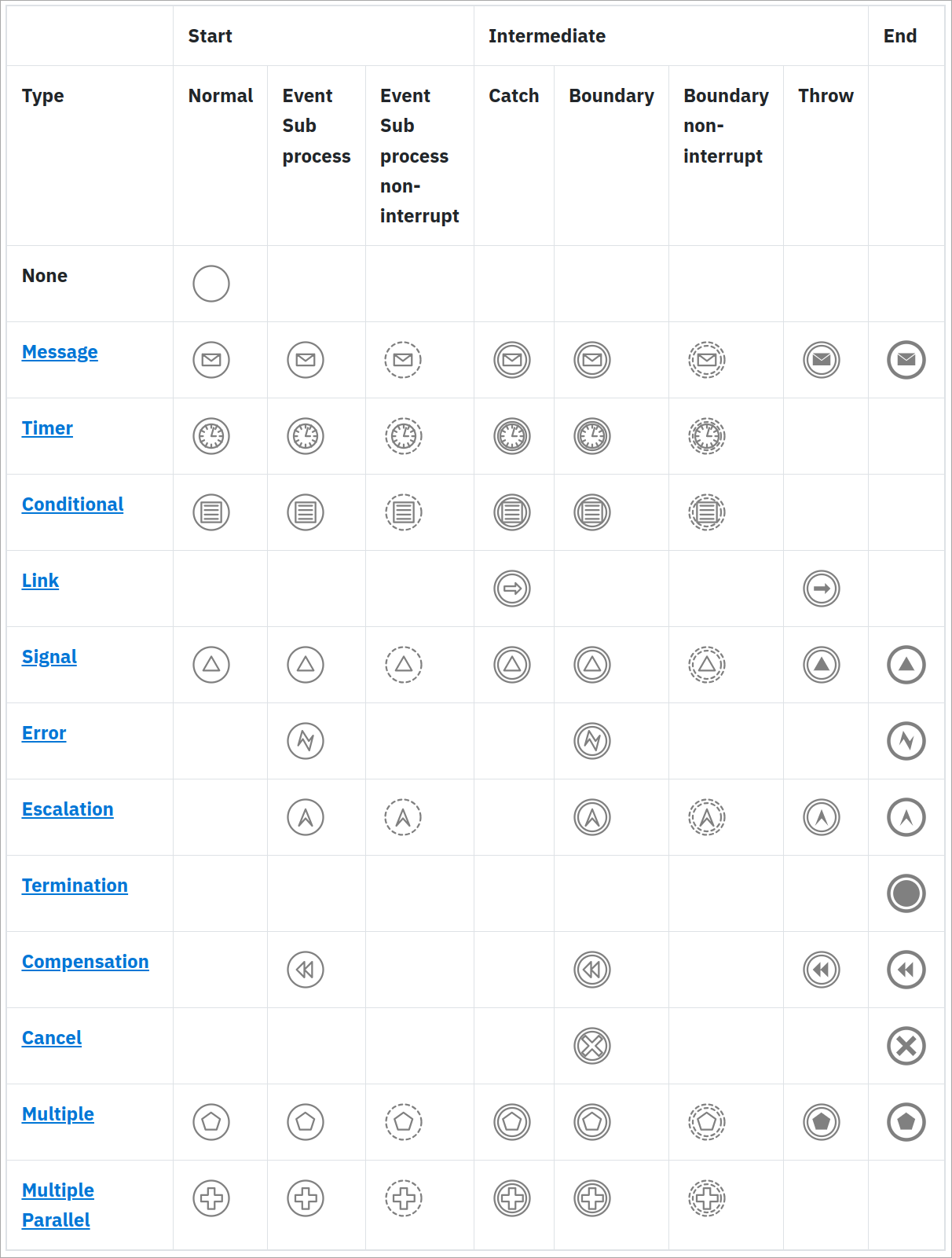
Intermediate Events
-
Triggered when something happens during the process' execution
-
Which is not the start or end of a process (branch)
-
-
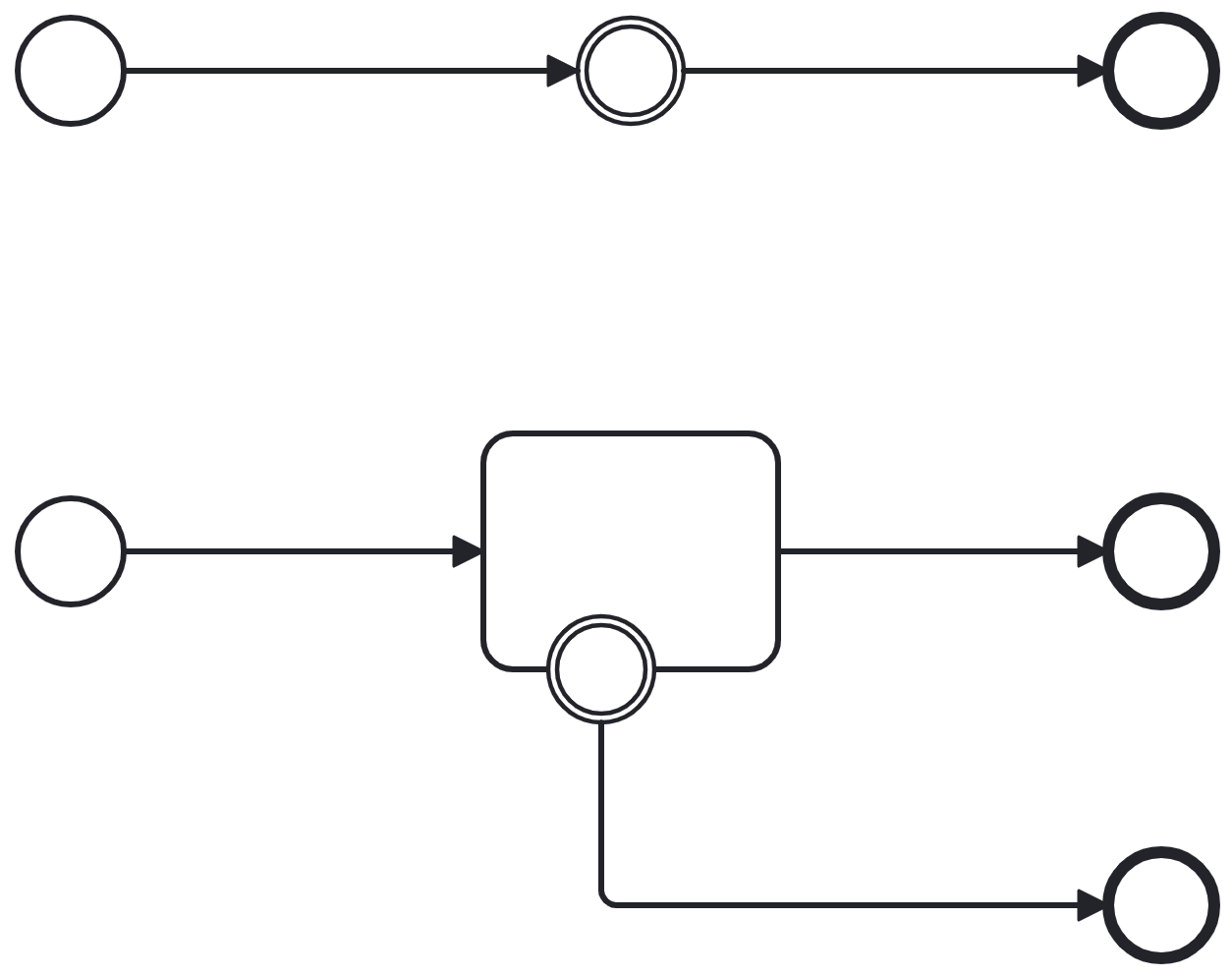
Two flavours:
-
Inline events
-
Boundary events
-
-
Can also be none (abstract), or typed
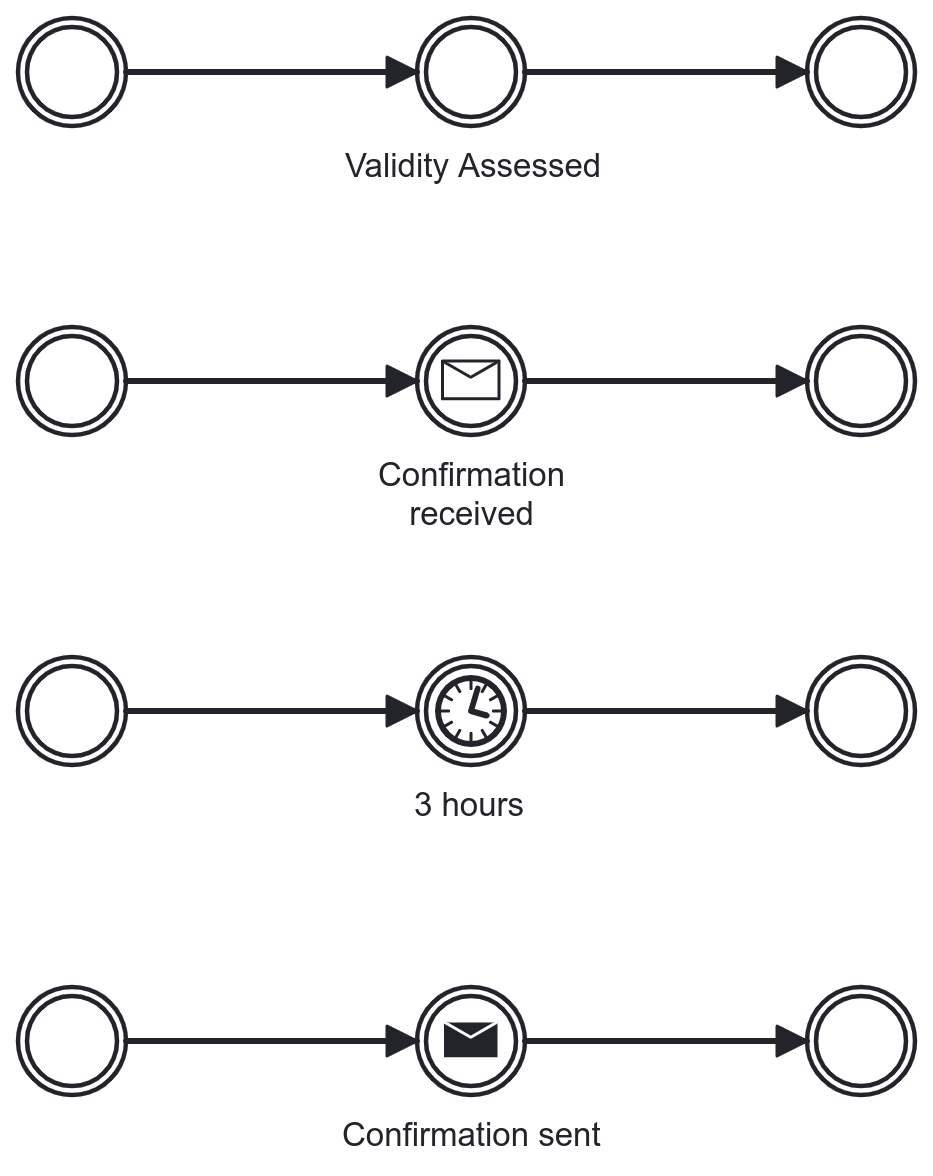
Revisiting Level 1 Event Types
-
Can be used as intermediate events
-
None
-
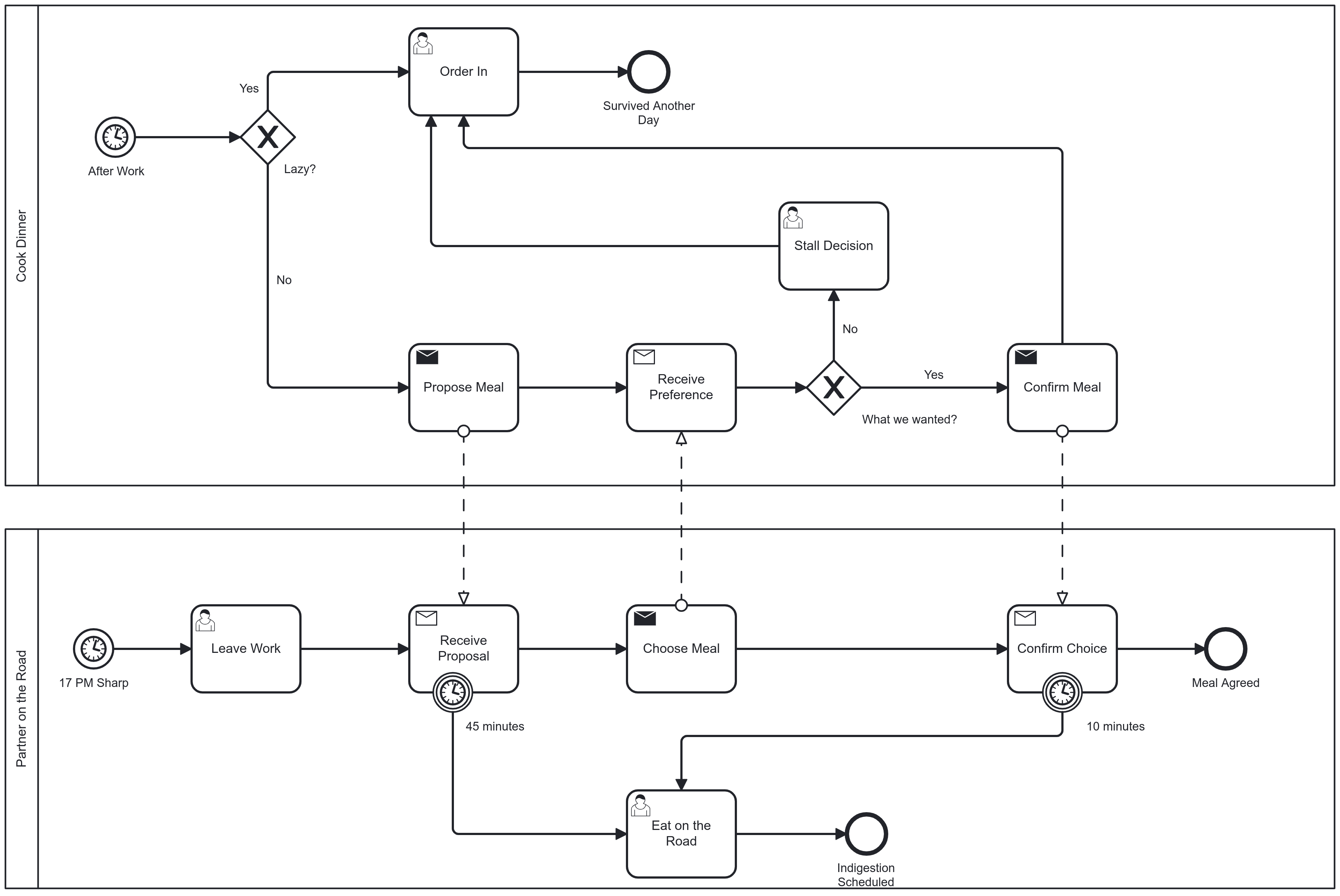
Message (send and receive)
-
Timer
-
There is no terminate intermediate or boundary event
-
Inline Intermediate Events
-
Triggered on a sequence flow
-
Catching: block the control flow until triggered
-
Throwing: emit immediately and complete
Boundary Events
-
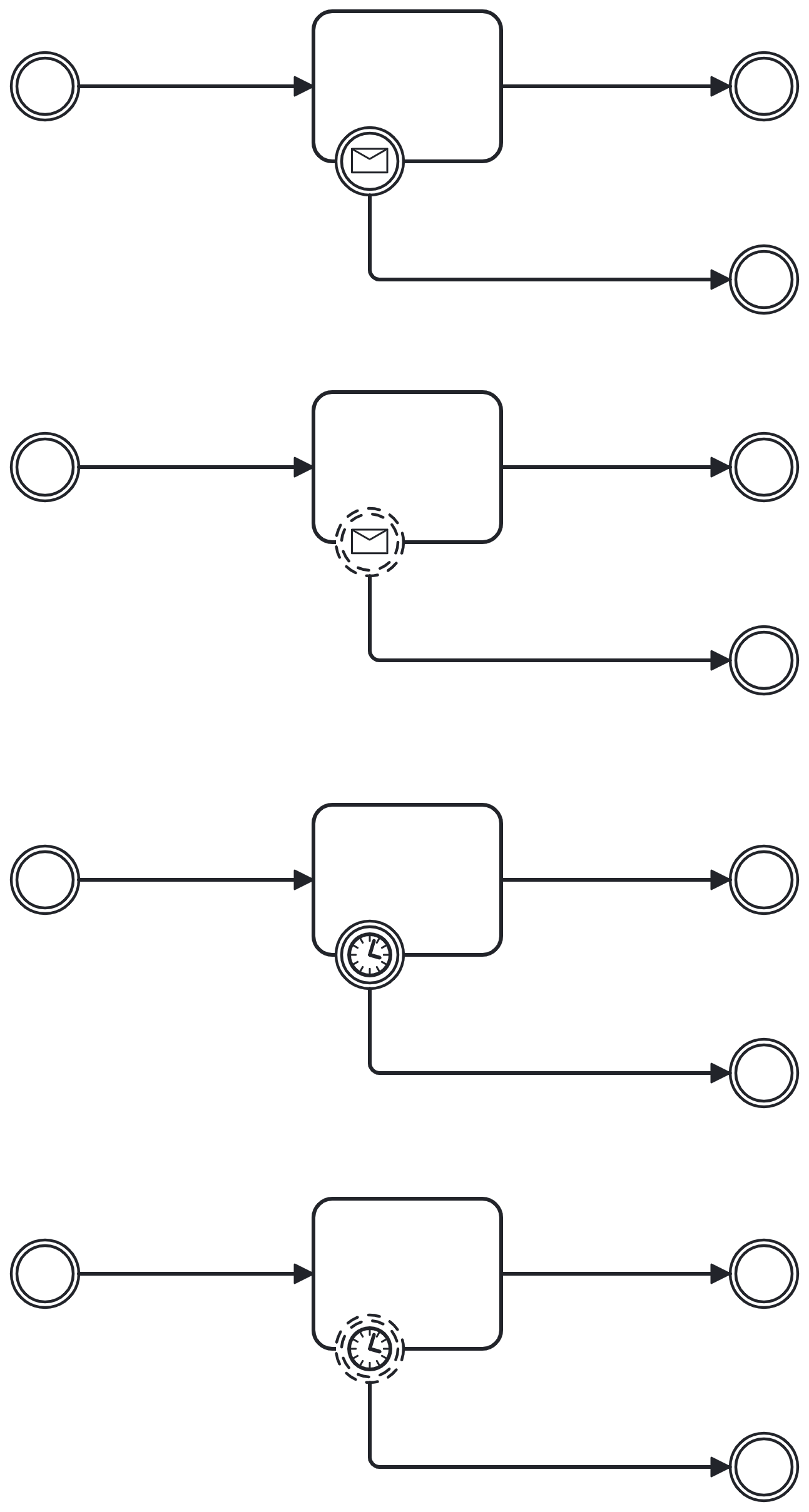
Attached to the boundary (border) of an activity: task or process
-
Always catching an event
-
Can occur until the activity completes[1]
-
Interrupting (filled double border): cancel the activity and leave from event
-
Non-interrupting (dashed double border): continue the activity but also leave additional flow from event
-
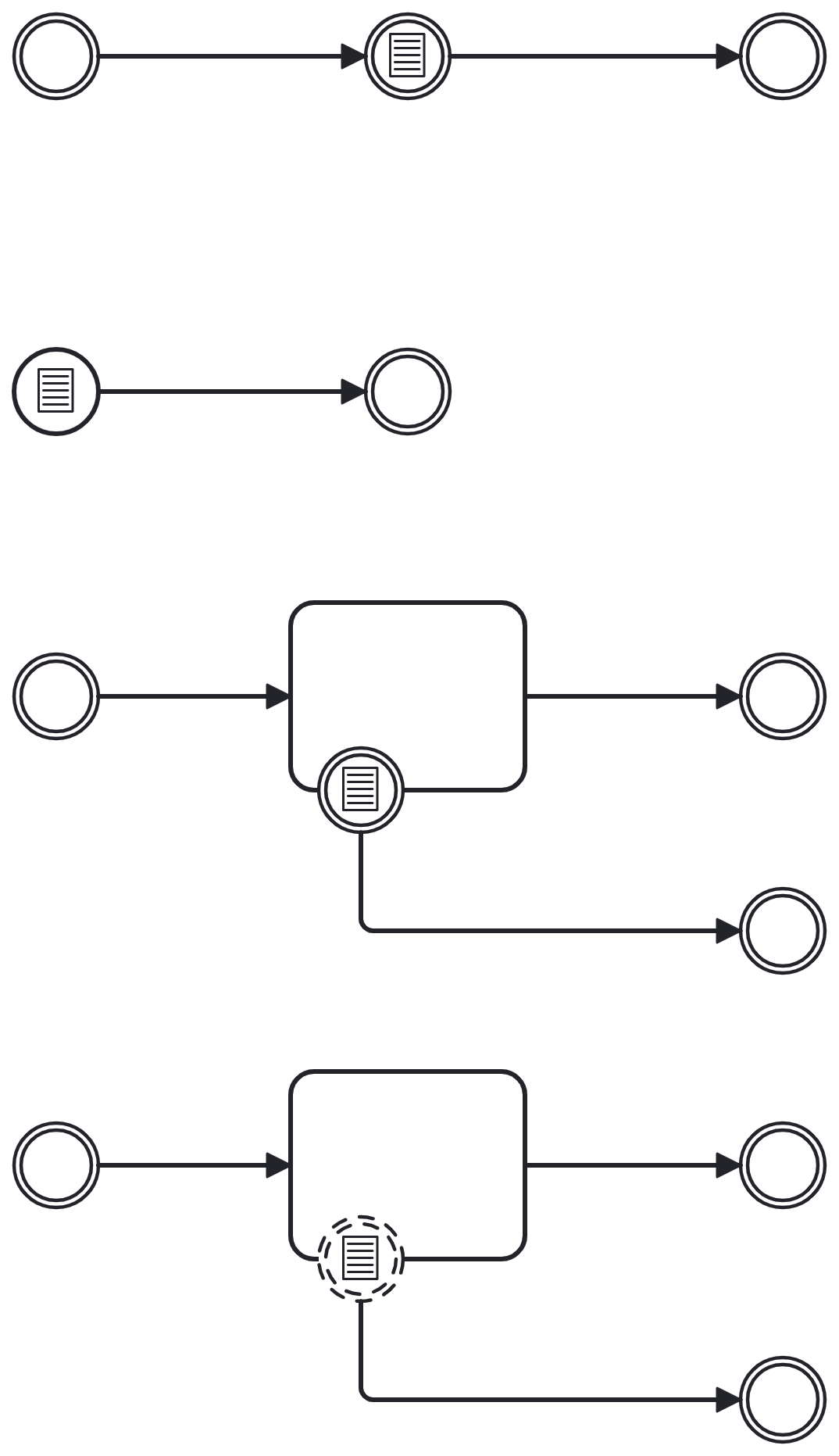
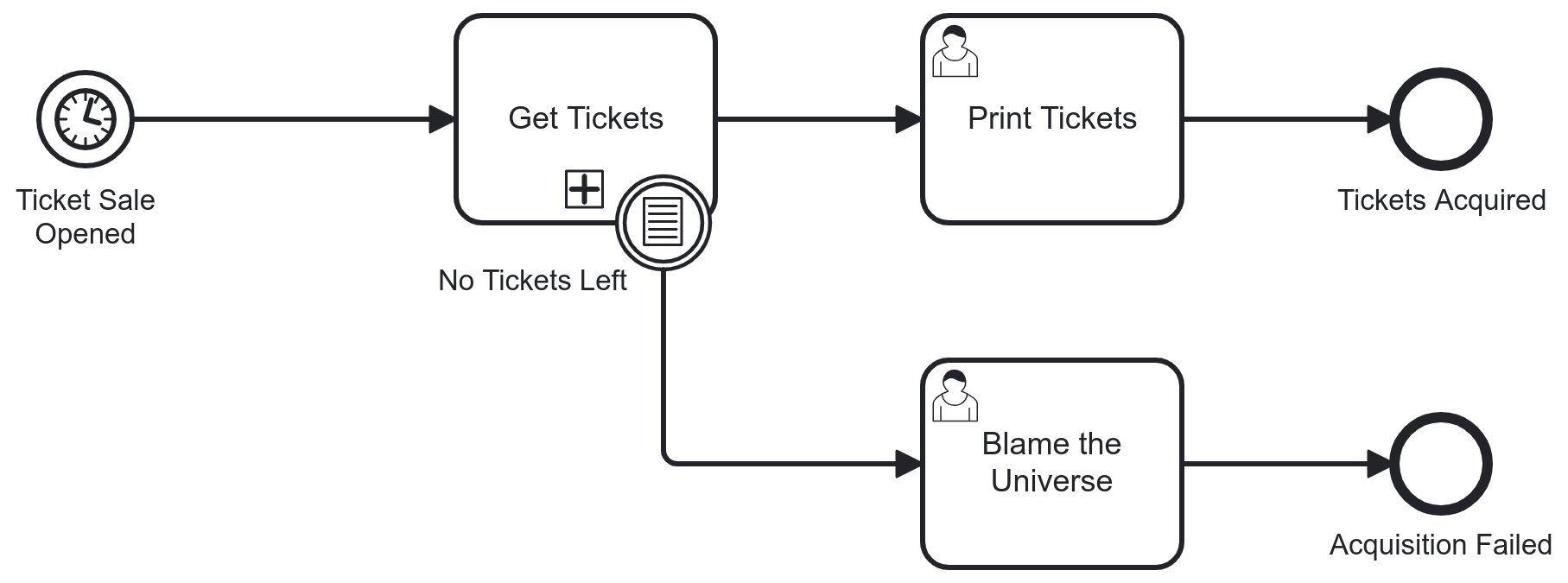
Conditional Event
-
Used to model a data condition that is monitored until it is true
-
When the condition is true, the event fires, once
-
Can be used as a start event, inline catching and boundary interrupting and non-interrupting
-
No throwing variants
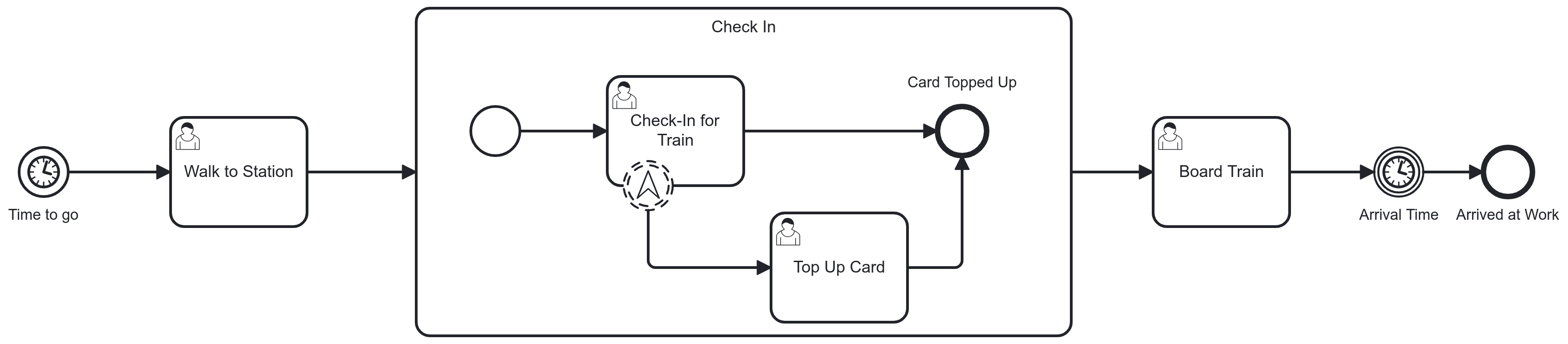
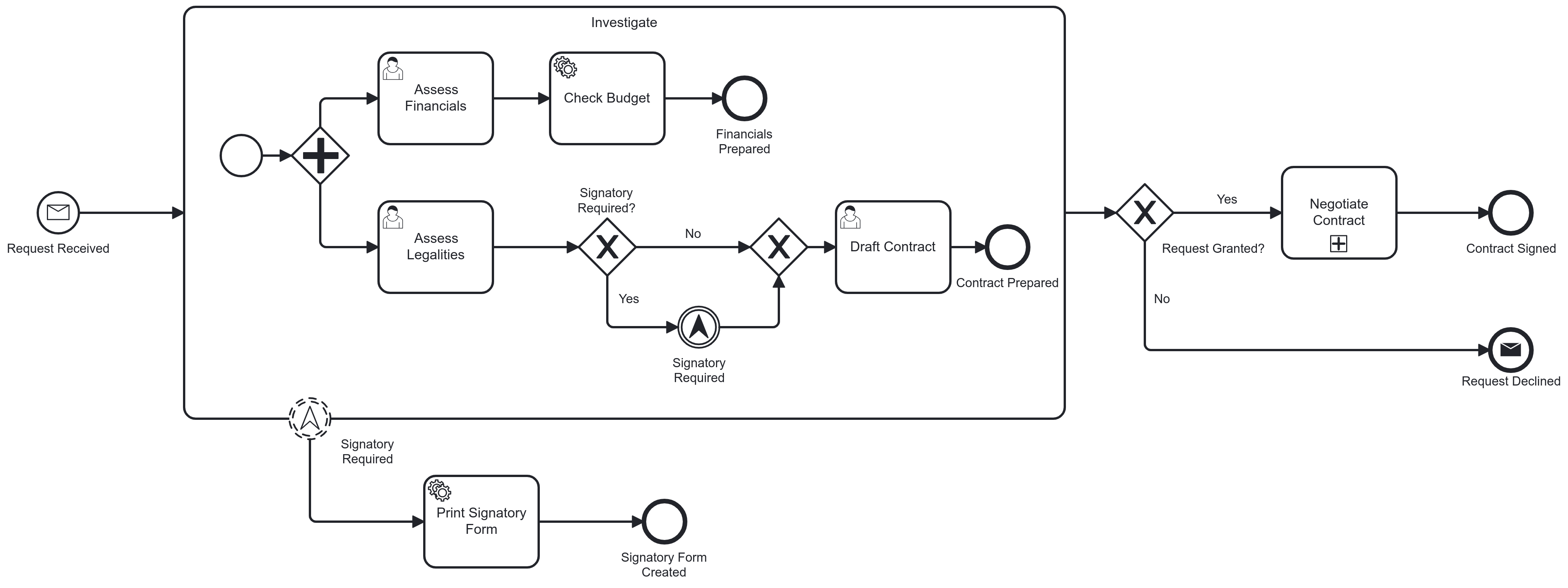
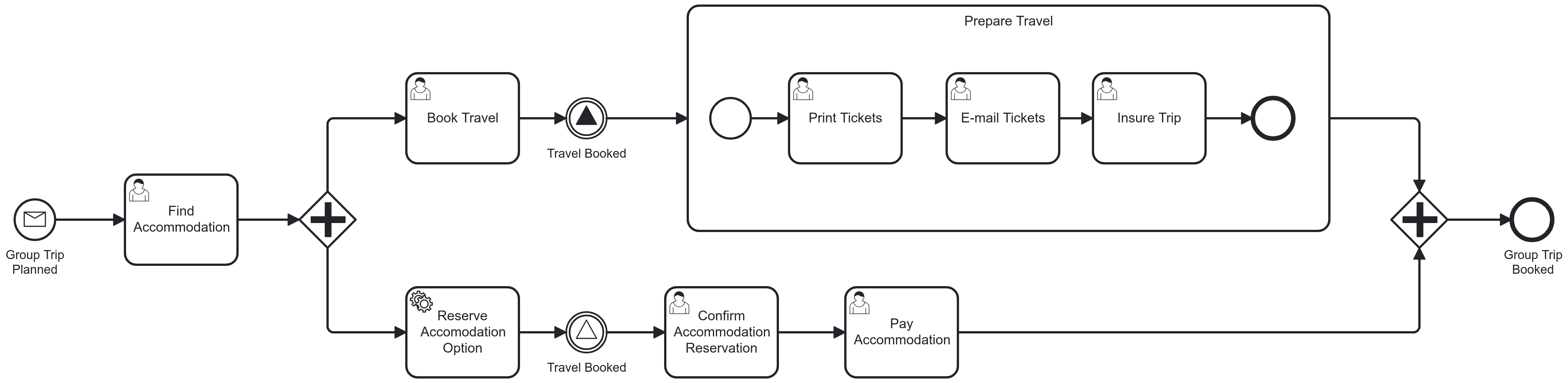
Escalation Event
-
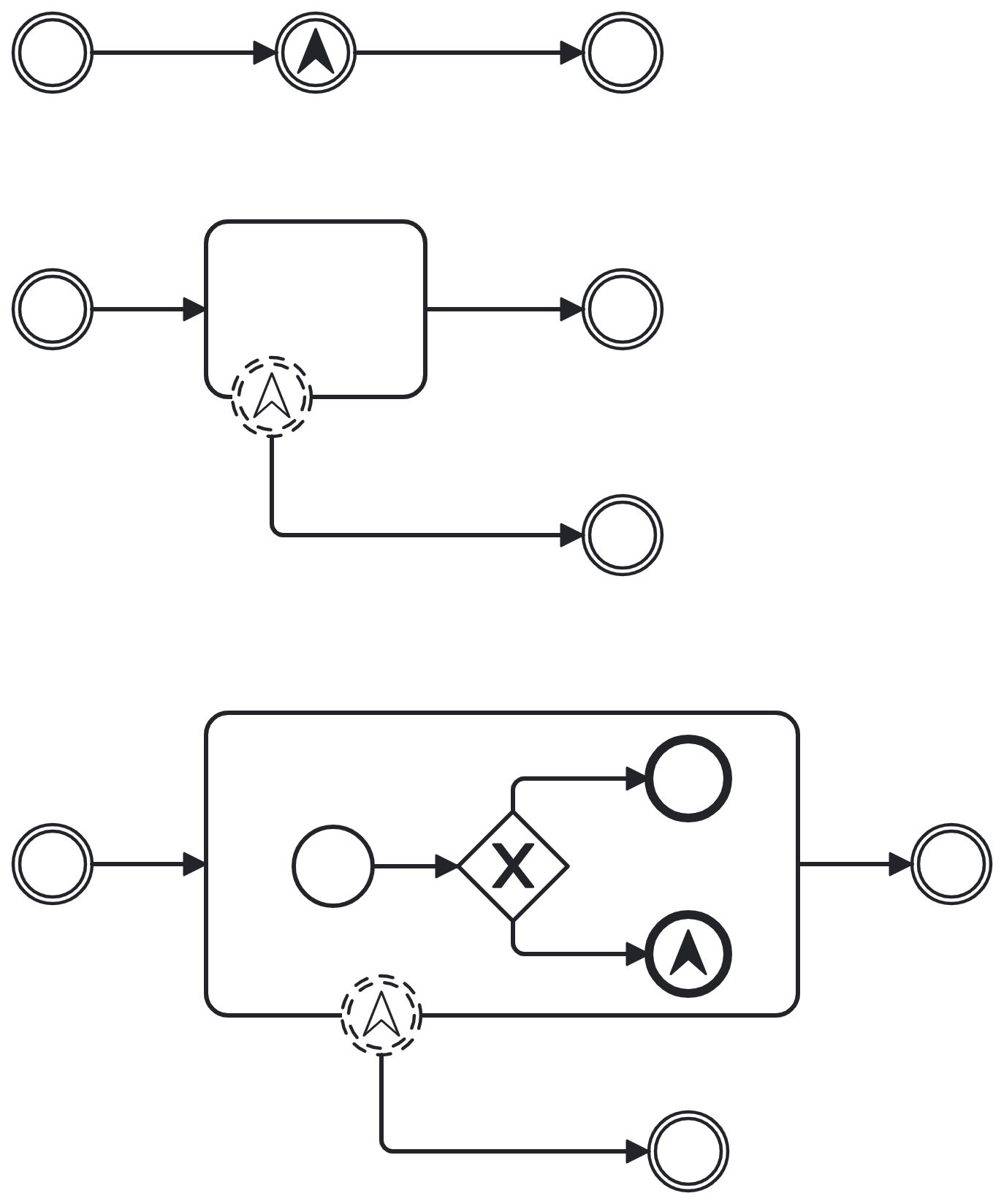
Signifies a possible situation that escalates from an activity (task or subprocess)
-
Can be used as intermediate event: throwing and boundary interrupting or non-interrupting
-
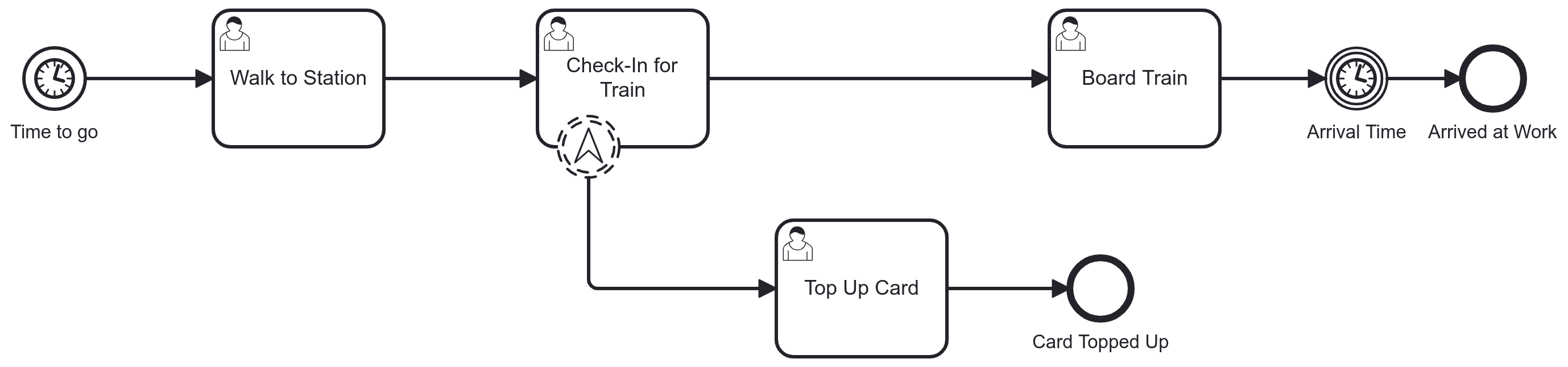
Most useful boundary variety is non-interrupting, distinguishing it from error [2]
-
Typical application is ad-hoc action by the performer of a user task
-
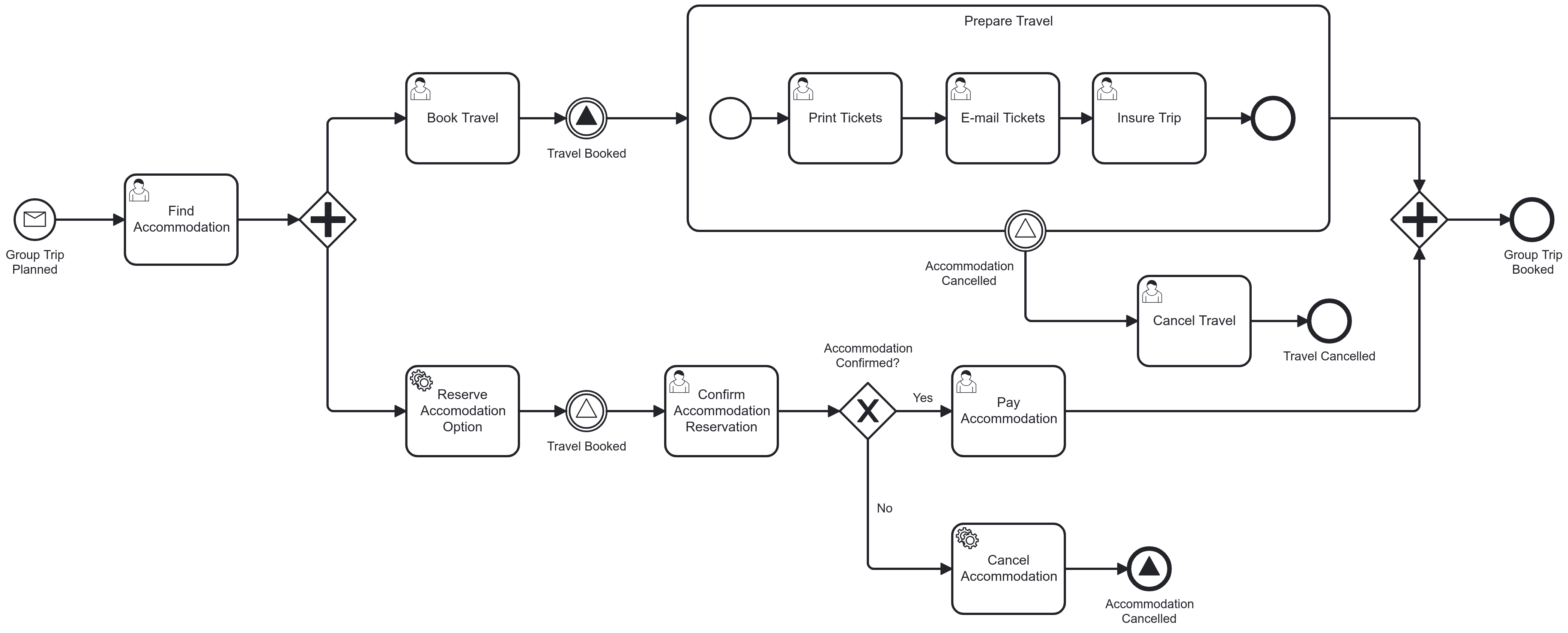
Signal Event
-
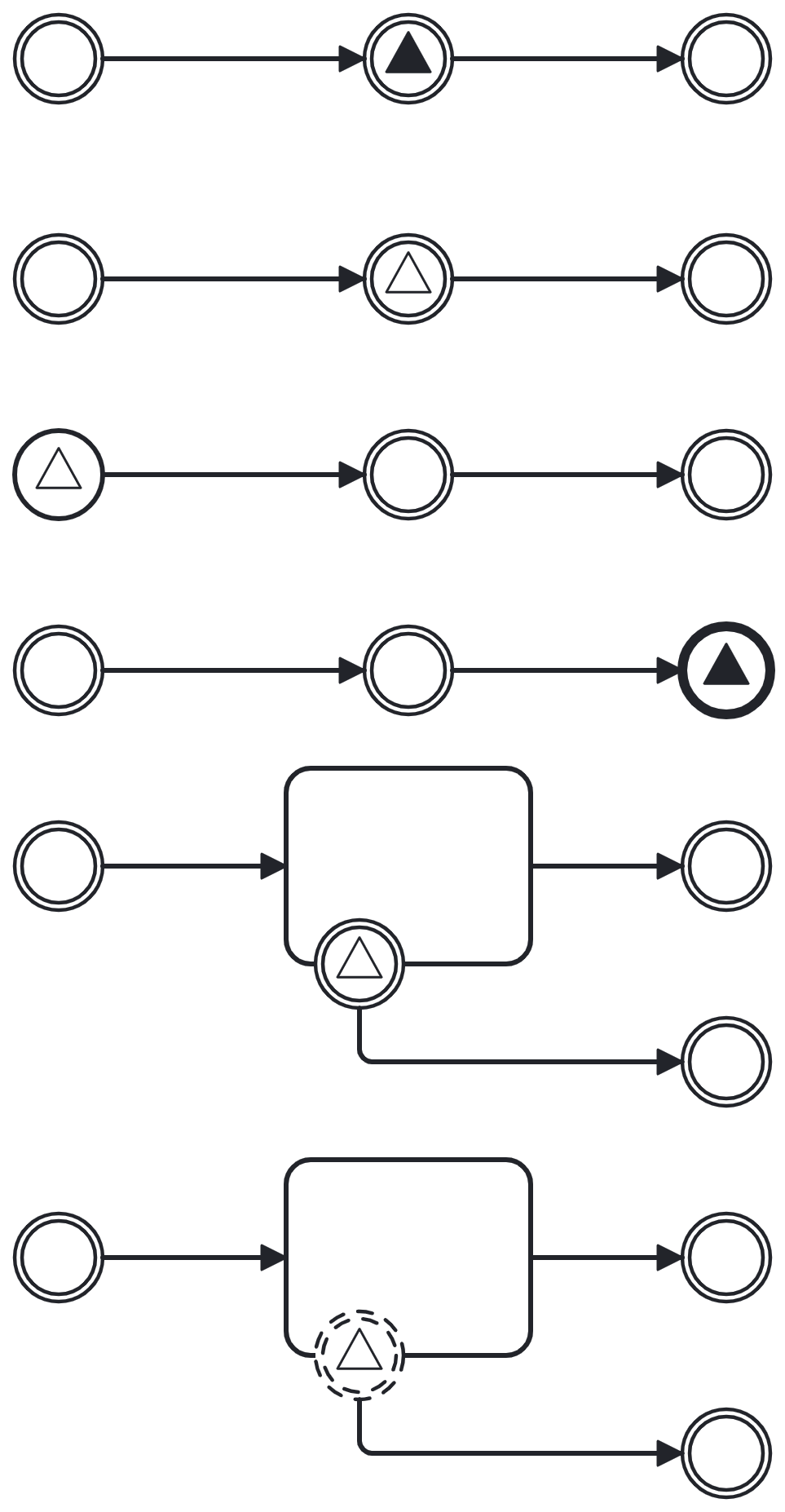
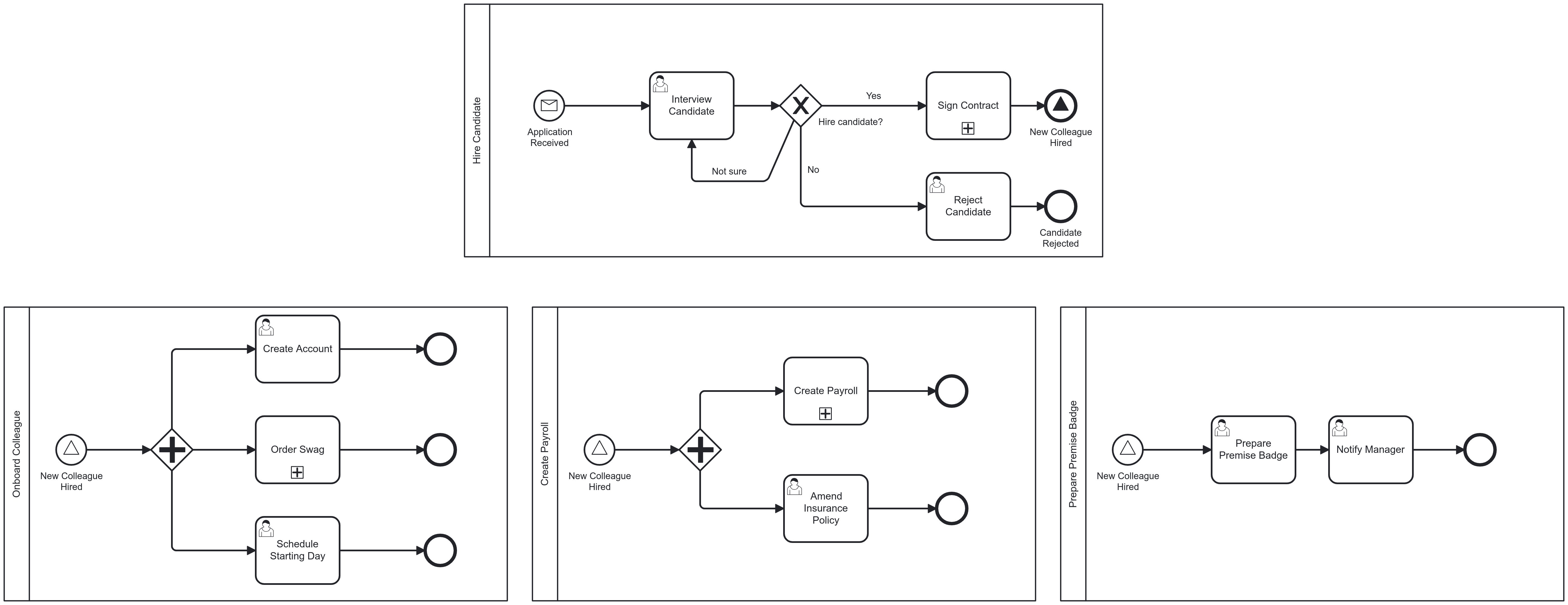
Catches or throws a signal that is broadcast to any number of interested listeners (publish/subscribe)
-
Decouples sender and receiver; no need to know each other
-
No guarantee that there is a listener; be careful!
-
-
Can be used:
-
As start event (catching)
-
As end event (throwing)
-
As intermediate event (all flavours)
-
-
Often used between process models and/or fragments
-
The only way to communicate between parallel branches (messaging not allowed!)
Link Event
-
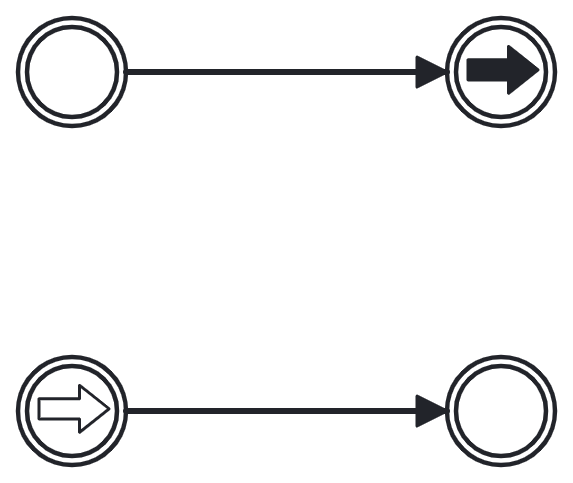
Used to link two disjointed parts of a model
-
Mainly used for readability
-
No execution semantics
-
Think of it as a virtual sequence flow, chopped into two pieces
-
If you need it, re-think your process model and/or scope 😉
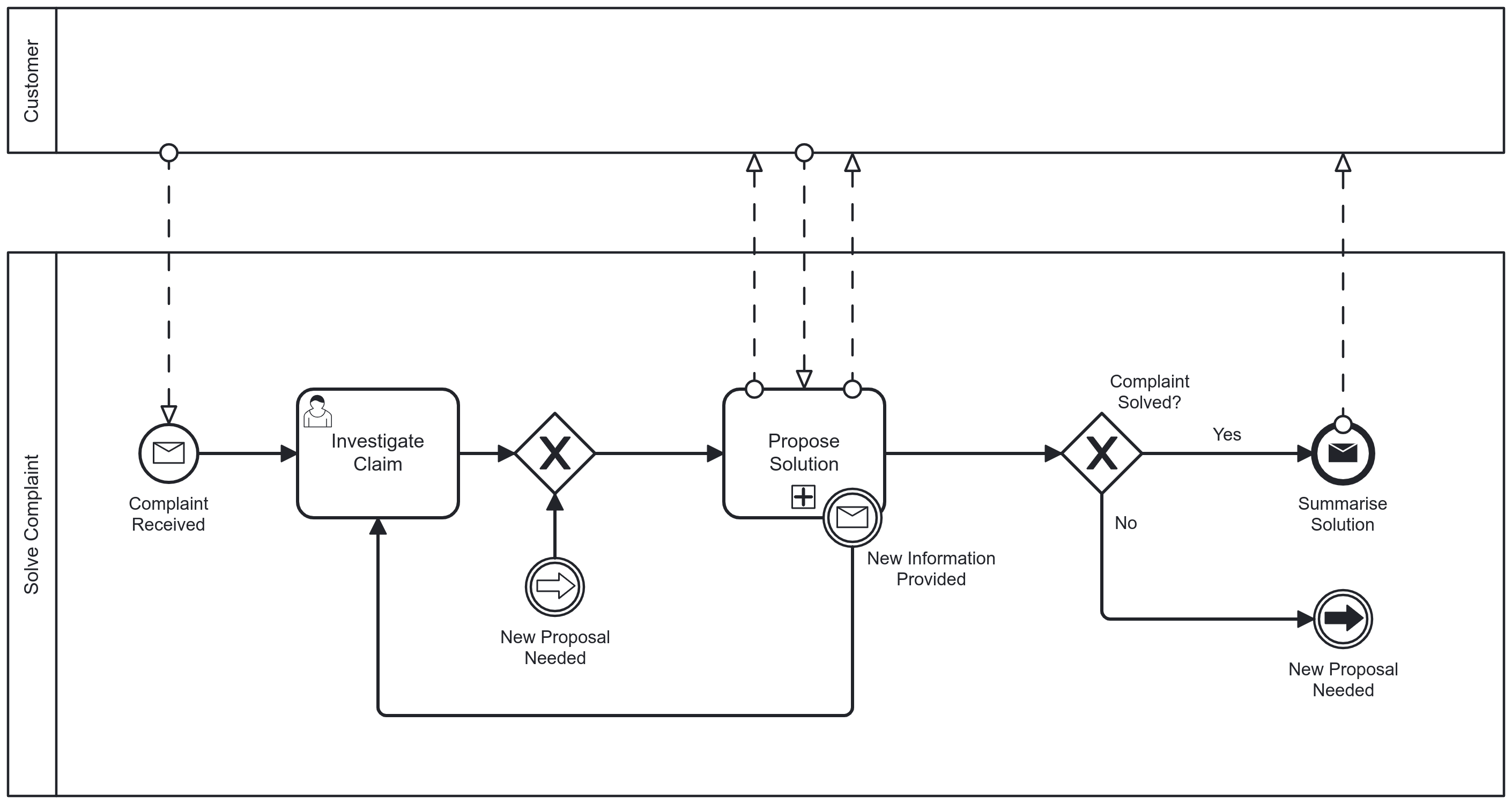
Multiple Event
-
Catching: only one of the events needed to trigger
-
Throwing: all of the events are triggered
-
Avoid using multiple events
-
Details are hidden
-
Unintuitive
-
Efficiency gains (compacter models) are outweighed by ambiguity
-


Multiple Parallel
-
Catching: all of the events needed to trigger
-
Throwing: no throwing variant
-
Avoid using multiple parallel events for the same reasons as multiple events


Level 1 Tasks Recap
-
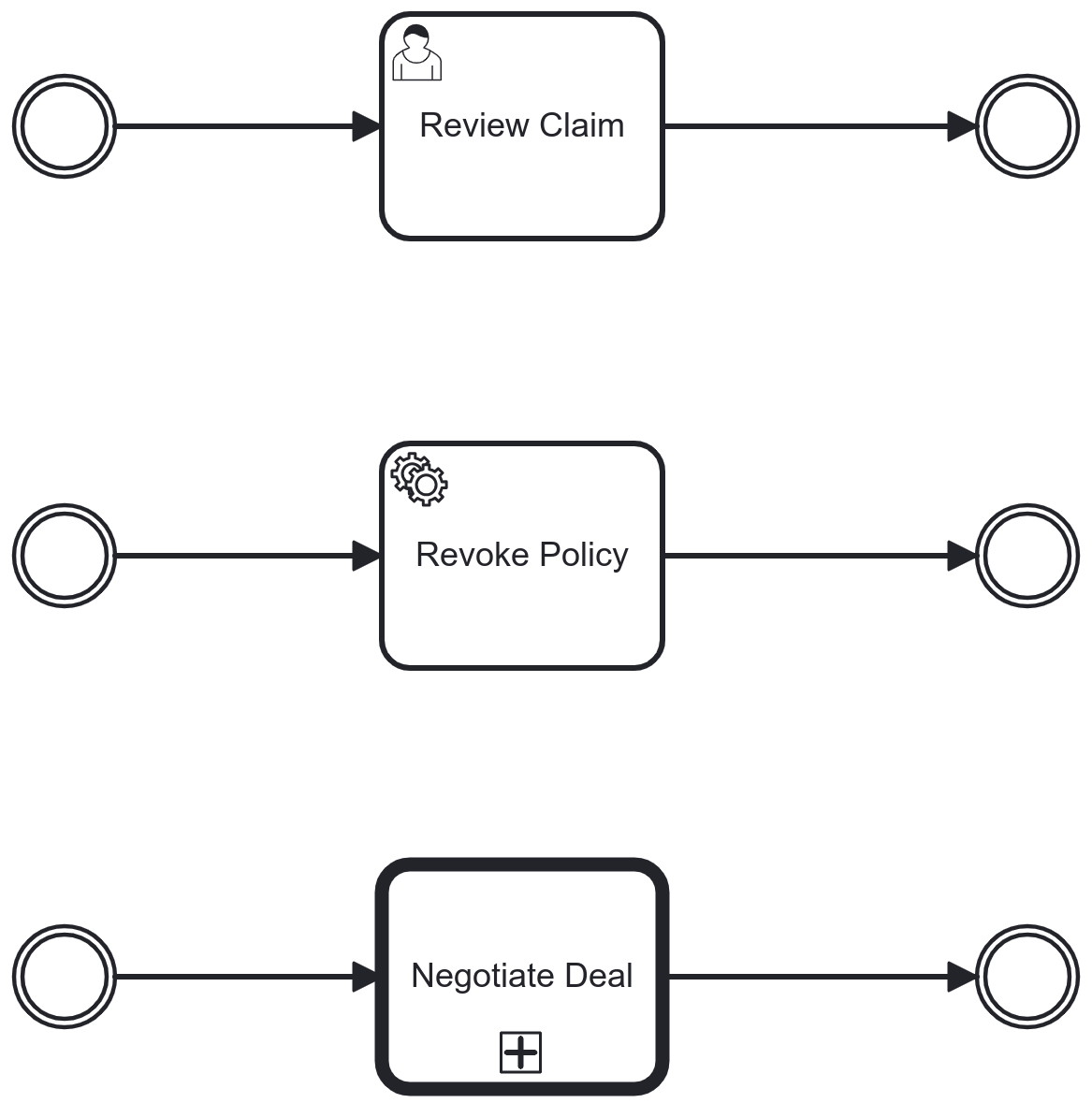
User Task: Allow a user to complete a piece of work
-
Service Task: Execute an automated task with a service
-
Call Activity: Start and execute a process from another process model
Send and Receive Task
-
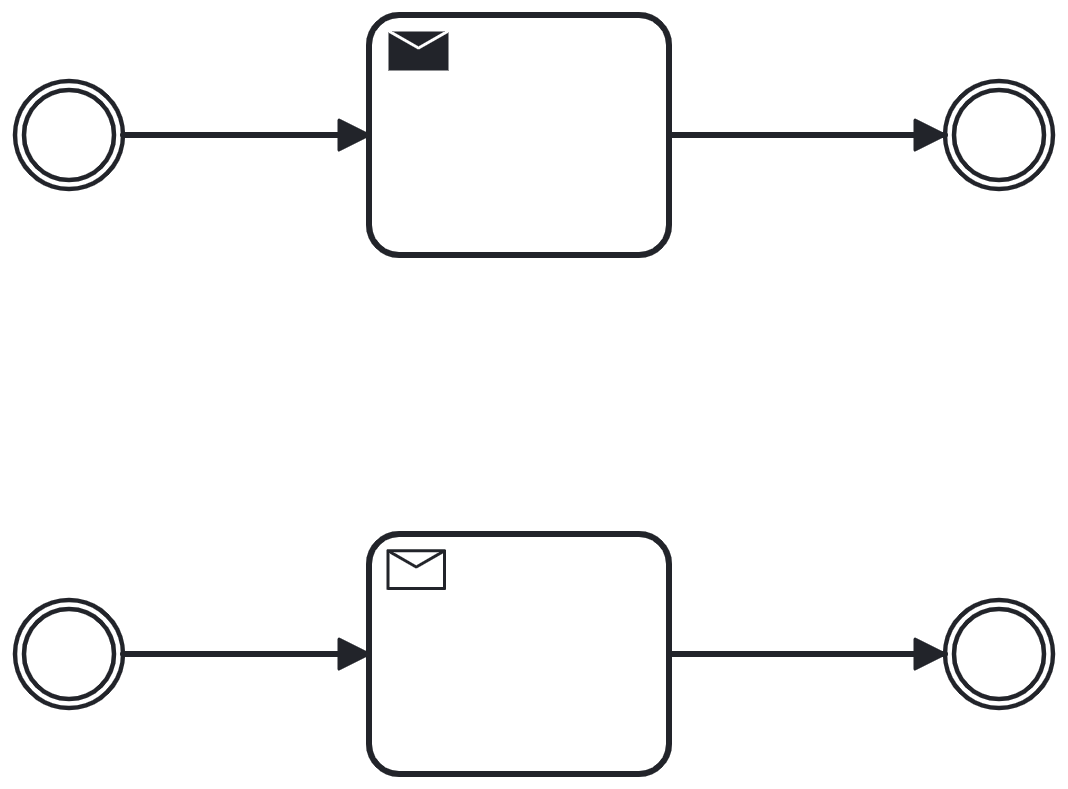
Send Task: Task that sends a message to another process
-
Receive Task: Task that waits for a message from another process before execution is continued
-
Asynchronous communication without other processes can be modelled with send and receive tasks
Birds of a Feather
-
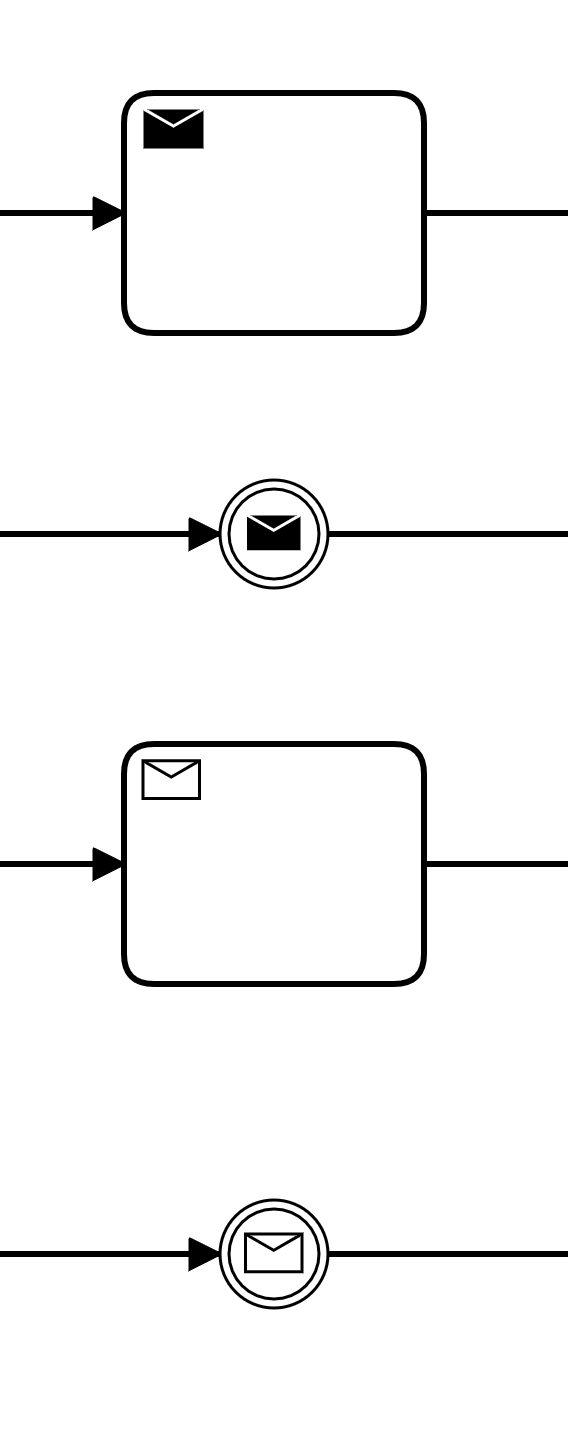
Send tasks and message intermediate throw events do the same
-
Receive tasks and message intermediate catch events do the same
-
Main differences
-
A task can have a boundary event
-
A task can be executed multiple times[3]
-
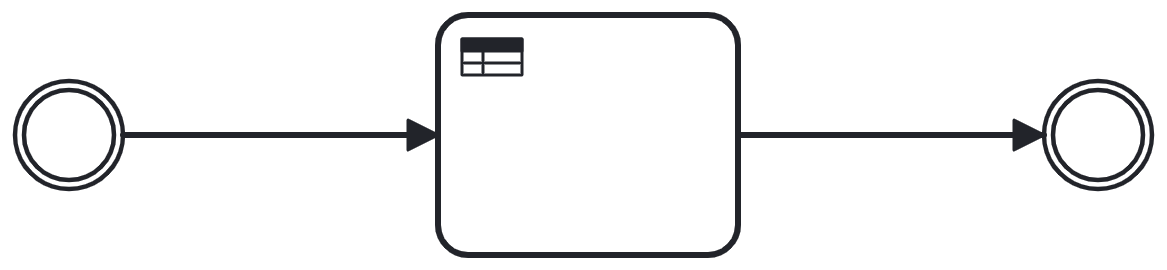
Business Rule Task
-
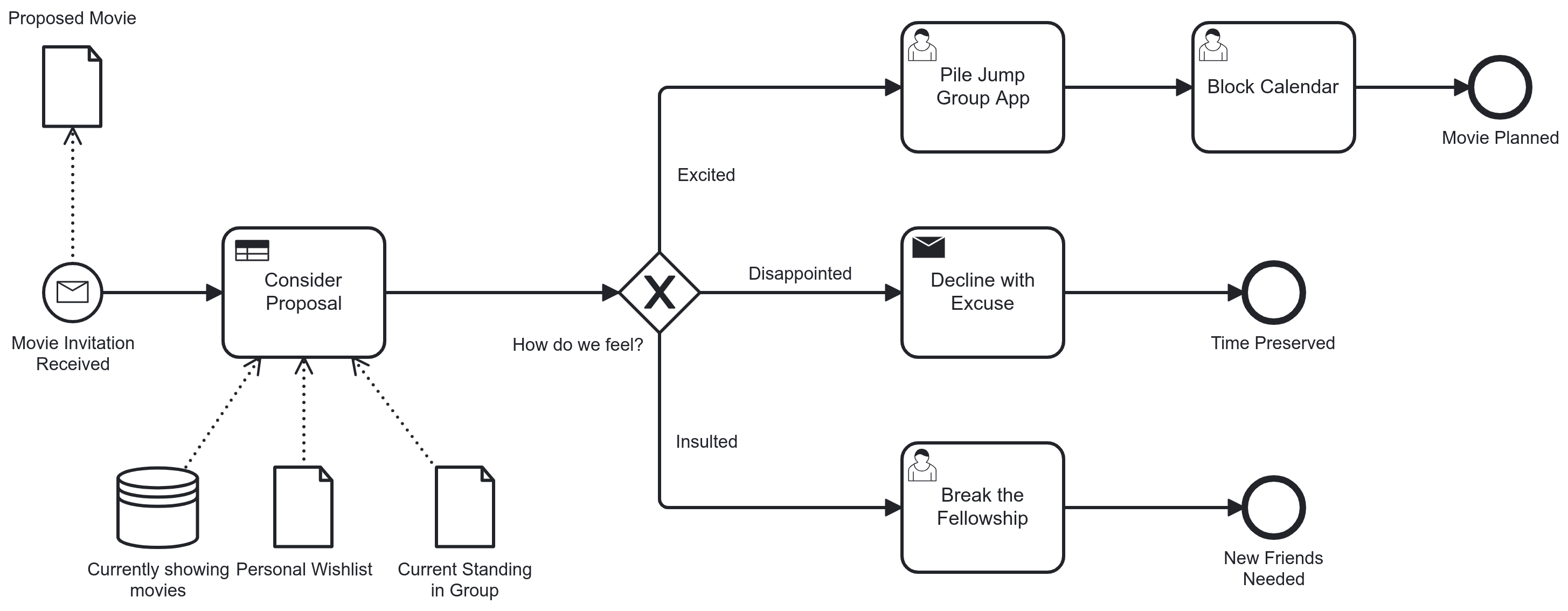
Activity that executes a business rule
-
Useful to link BPMN models to DMN models
-
Result of the business rule can be sent back to the process
-
Often precedes a gateway that acts on the outcome
-
Always requires proprietary extensions for invocation
Script Task
-
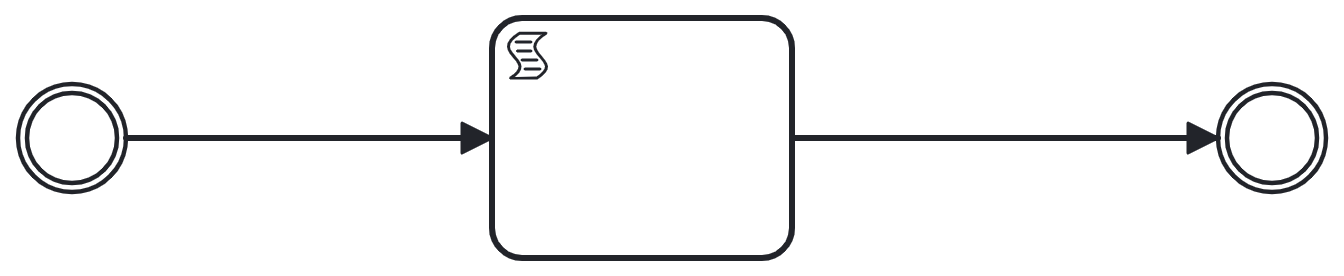
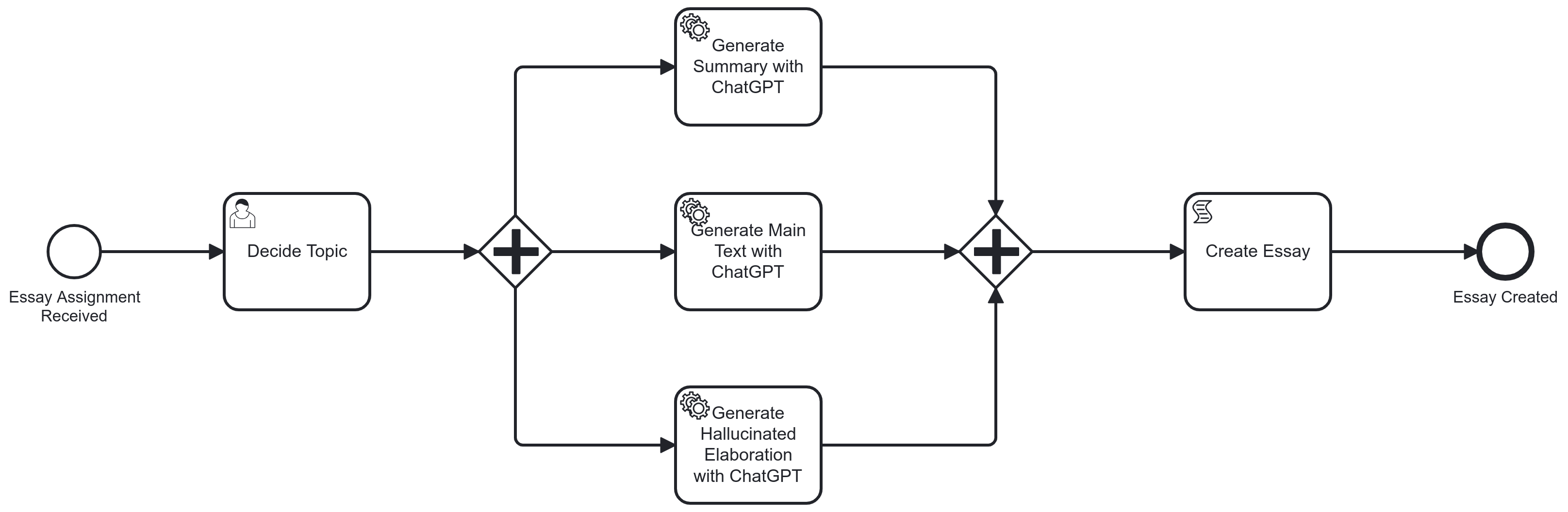
Executes a script from the process engine
-
Typically implemented with a scripting language, such as Javascript, Groovy, etc…
-
-
Most useful for small logic snippets within process' context
-
Variable calculations
-
Data transformations
-
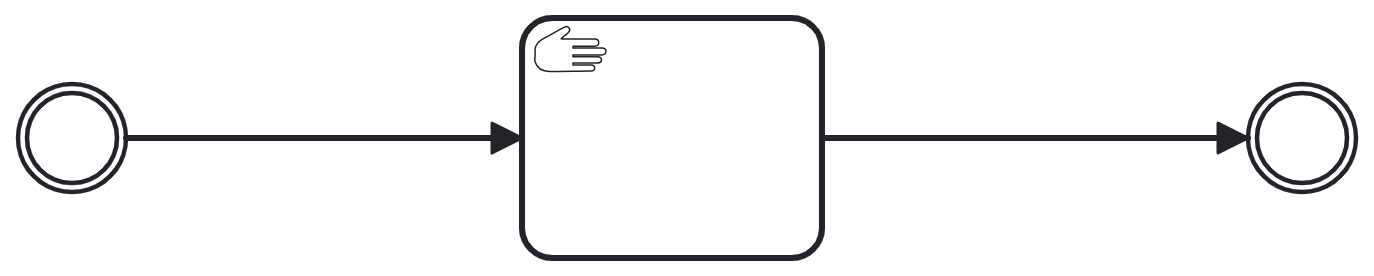
Manual Task
-
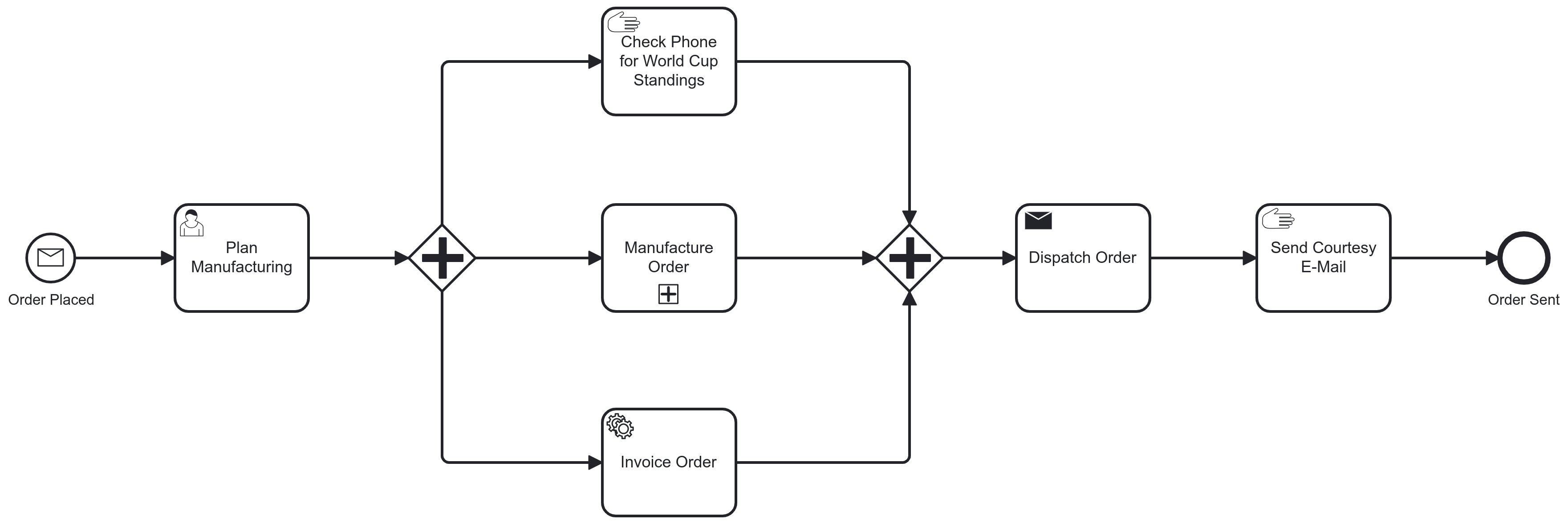
Describes an activity that is not executed as part of the process engine’s execution
-
In an executable process: pass-through
-
Differs from a user task: a user task requires human interaction before completion, a manual task only suggests some activity which is not controlled by a process engine
Method & Style
-
From Level 1 → Level 2: Type the events and tasks (and gateways 😉)
-
Specify all relevant activities and events
-
Reconsider when you feel the need to go for a multiple event
Events
-
Conditional events: name signifies the condition monitored
-
Link events, Signal events, Escalation events: labels of corresponding throw and catch should match
Tasks
-
Script and manual tasks
-
Only used in executable processes
-
More (complex) logic? Use a service task instead
-
-
Business rule tasks
-
Consider a business rule task even when not using a DMN model
-
-
Send and receive tasks
-
Use a task instead of event if you would like to express some activity going on as opposed to plain messaging
-