Bonus Assignments
Bonus 1: Explore Running Process Instances
If you have some time left, you can do the following. Start a couple of instances of the process with some different values. Make sure some of them will trigger the user task. Use the Cockpit application to inspect the values in these processes and observe them as they move through the steps. Cockpit will display the state of all running processes.
Bonus 2: Explore Historic Process Information
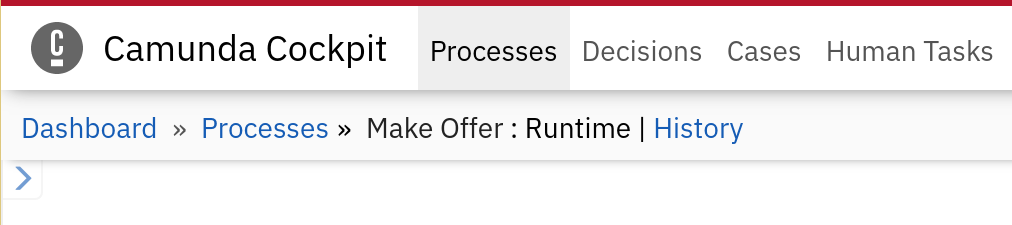
With the Enterprise Edition of Camunda, the viewing of historic information of processes is also enabled in Cockpit. Use the top menu to go to the Processes, then select Make Offer. At the top of the view of the process model, there is a switcher link between the running processes and the history. Select the History option and have a look at the extra information that is shown in the diagram and the tabs in the bottom pane.
For instance, the Job Log and Audit Log (available after selecting a process instance) tabs can be very informative.